Type your search below and press enter
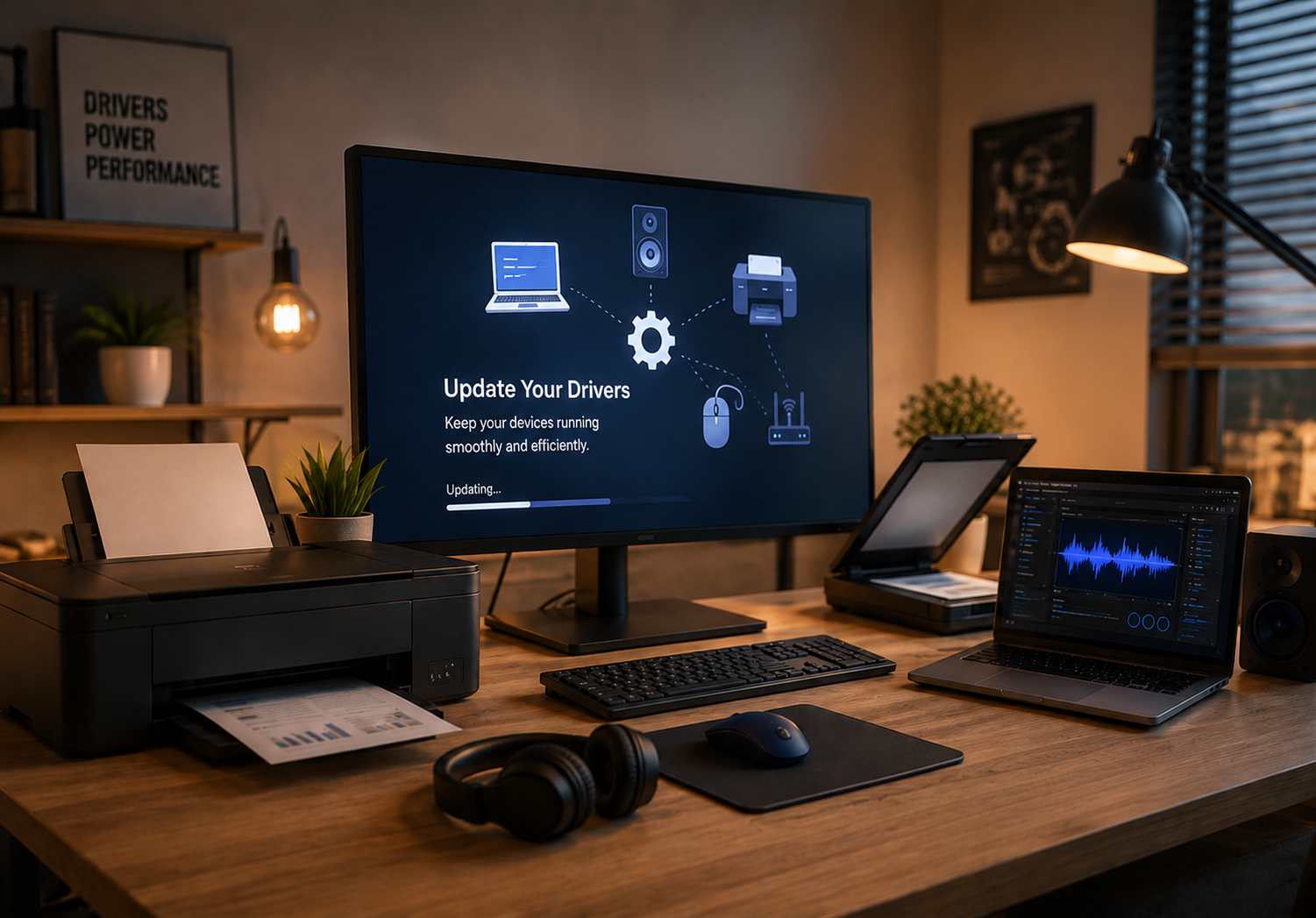
Choose a driver topic and explore simple learning guides about common hardware drivers.
Learn how printer drivers help computers process print commands.
Read Topic
Understand how audio drivers manage speakers and microphones.
Read Topic
Explore scanner driver basics for document and image capture.
Read Topic
Learn how media and display drivers support visuals and playback.
Read Topic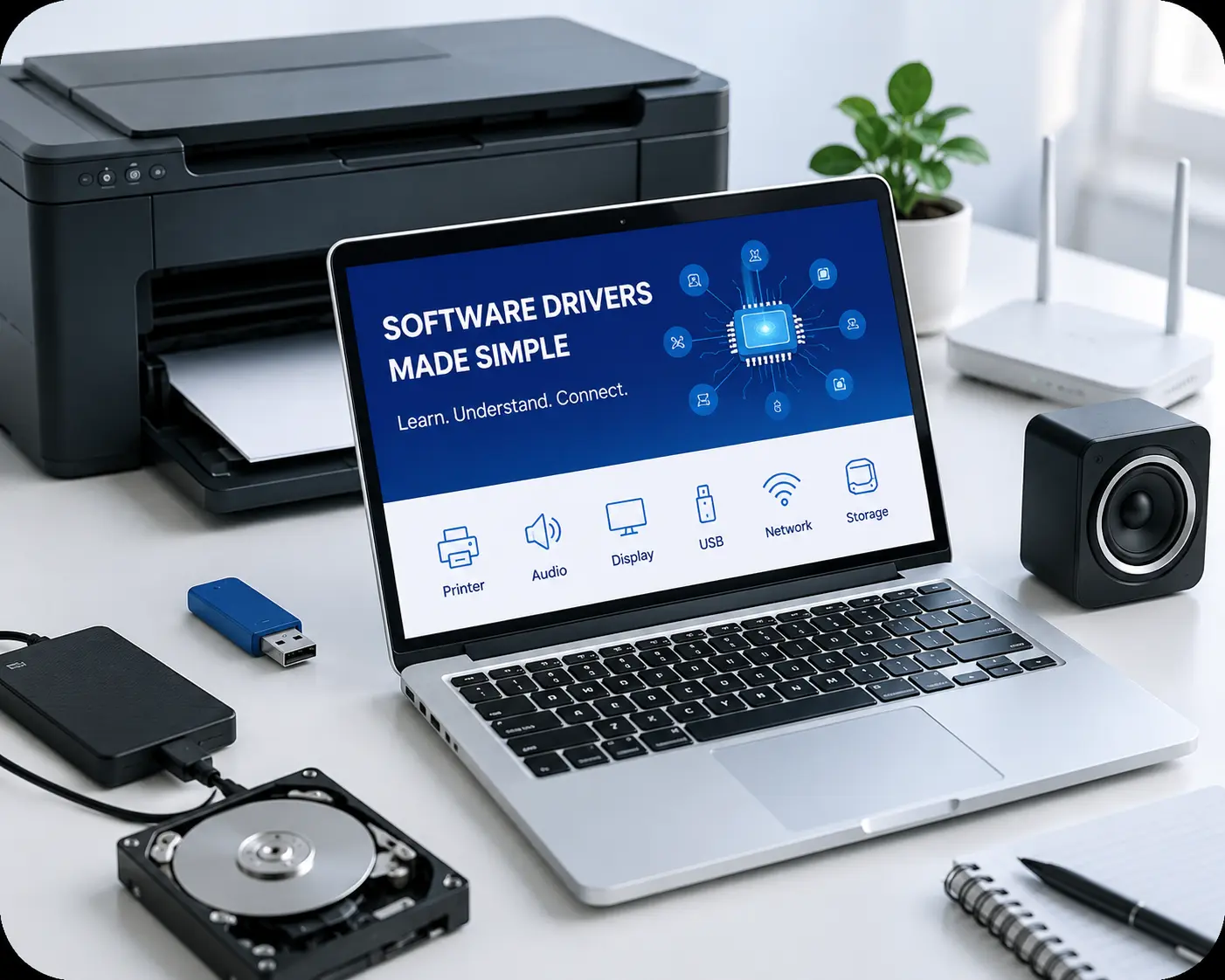
Driver Concepts
We share simple educational guides that explain how software drivers help printers, scanners, audio devices, displays, USB ports, networks, Bluetooth, storage, and other hardware communicate with a computer.
We make driver-related topics easier to understand with organized, beginner-friendly learning content.
Select any driver category and read simple educational guides about how computer drivers work.
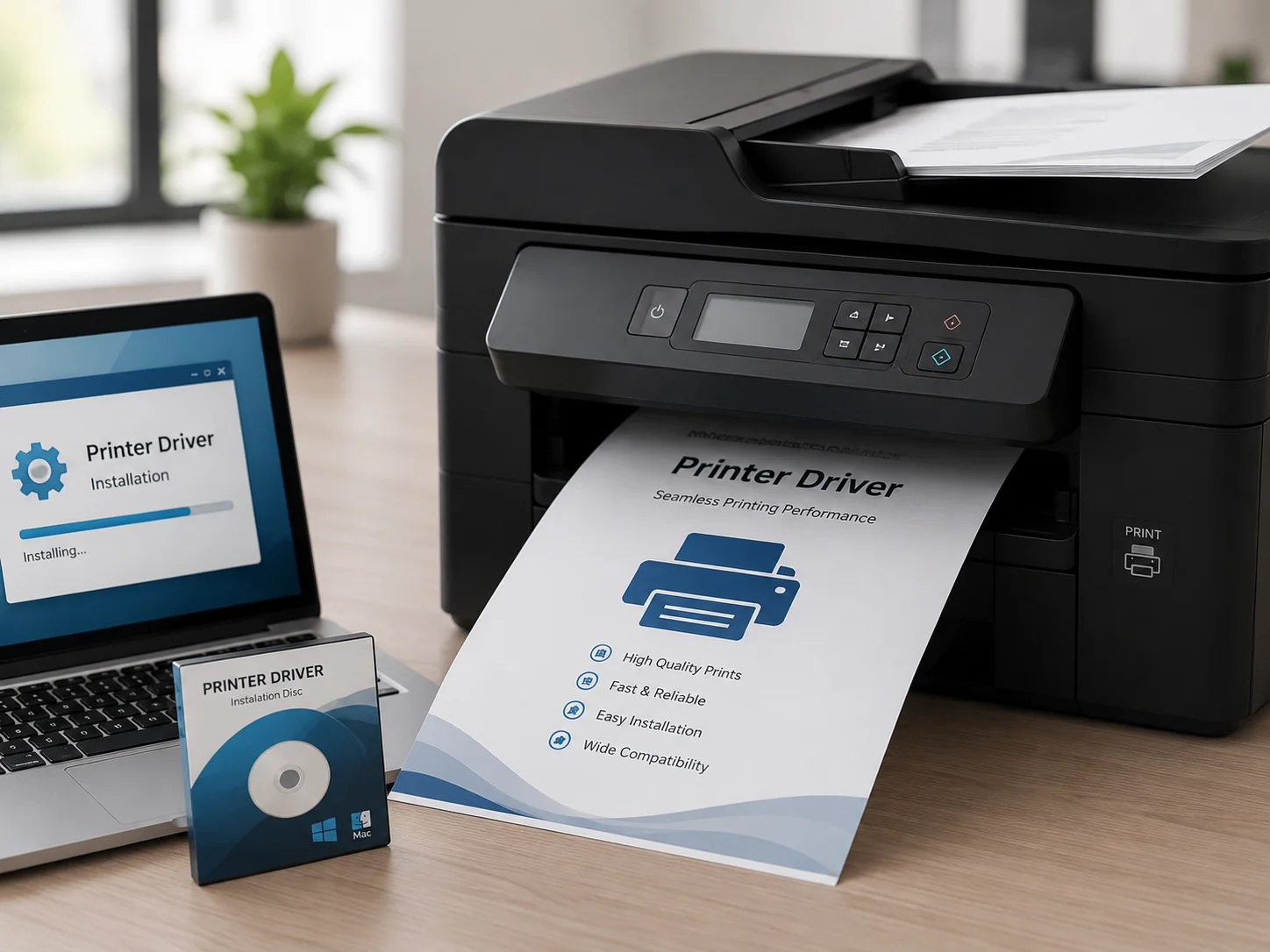
Printer drivers act as the essential translator between your PC and printing hardware. They convert digital documents into a language the printer understands, ensuring high-quality prints and supporting advanced features like double-sided printing, color management, and scanning functions.
Find simple answers about computer drivers, hardware communication, and common driver learning topics.
Ask your driver-learning question and explore simple educational topics.
Ask UsA computer driver is a small software layer that helps the operating system communicate with hardware such as printers, speakers, scanners, keyboards, and network devices.
Drivers help hardware devices understand system commands and allow the computer to use connected devices in a proper way.
You can learn about printer, audio, scanner, graphics, network, Bluetooth, USB, chipset, storage, webcam, touchpad, keyboard, BIOS, and UEFI topics.
Yes. This website is focused on educational driver information and simple explanations for users who want to understand driver basics.
Yes. Drivers act as a communication bridge between the operating system and hardware devices connected to the computer.
 Basics
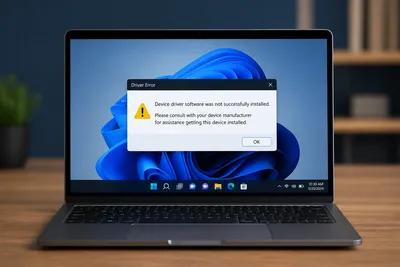
Understand how drivers help operating systems communicate with hardware components.
Read Full Article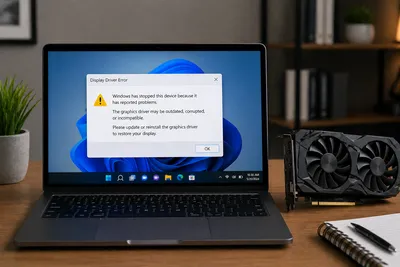
Learn how graphics drivers support display output, screen clarity and visuals.
Read Article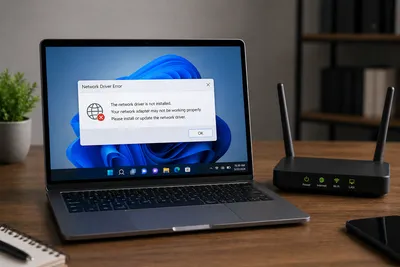
Explore how WiFi, Ethernet and network adapters communicate with computers.
Read Article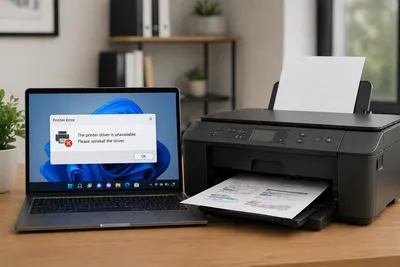
Understand print commands, document output and printer communication.
Read Article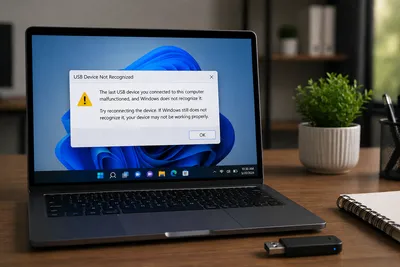
Learn how USB devices are detected and connected through driver communication.
Read Article